
New Slack and Microsoft Teams Integrations: The Response Stays in Rex. Everyone Stays in the Loop.
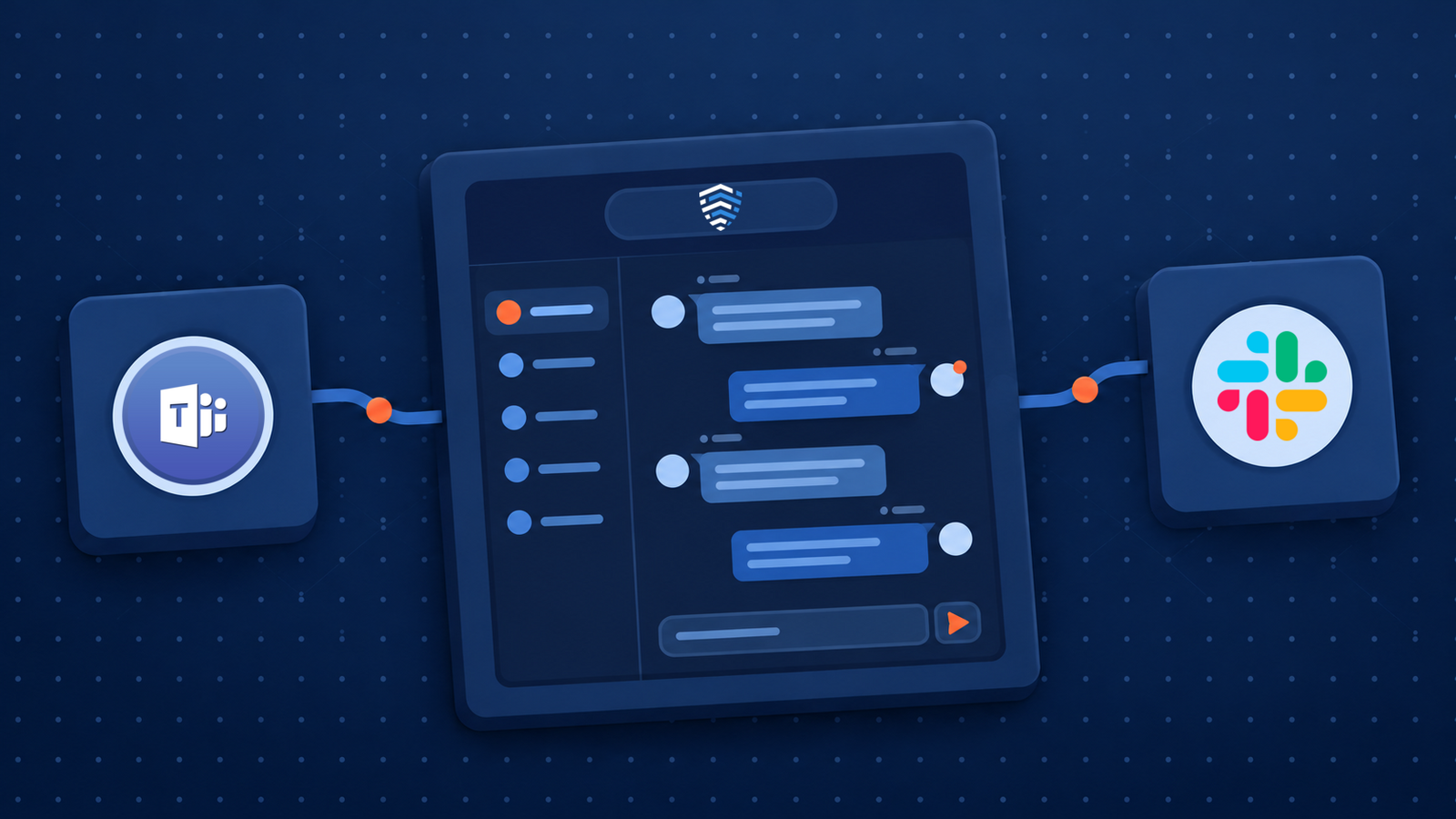
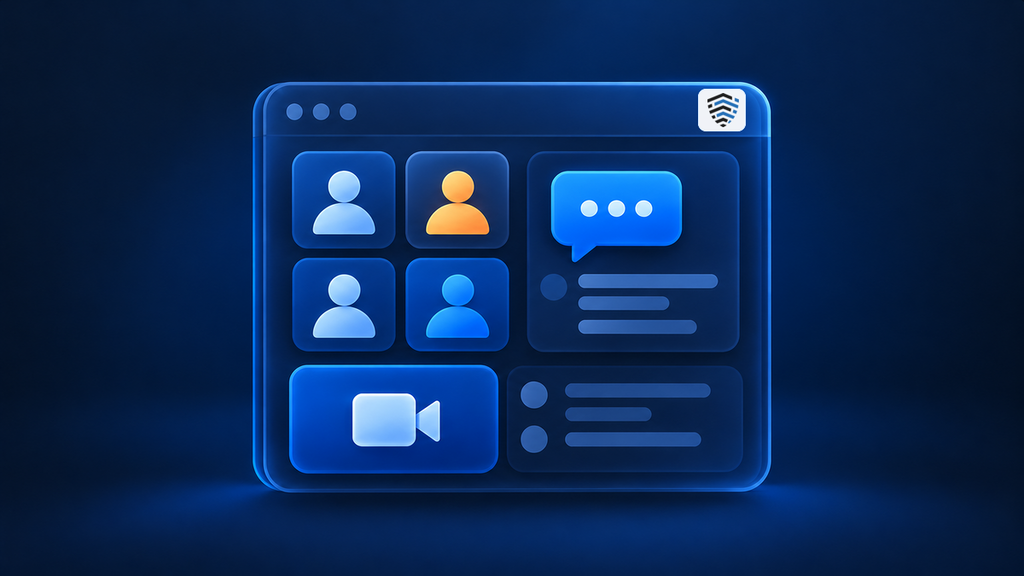
A private channel for each incident. Updates when things change. A direct message when an action lands on your plate. And the response itself stays in the Rex Platform.
When a cyber incident occurs, effective response depends on more than identifying the threat. Teams across security, IT, legal, privacy, and business operations must quickly coordinate activities, assign responsibilities, and stay informed as conditions change. Yet much of that coordination still happens in collaboration tools disconnected from your formal incident response processes.
BreachRx is helping close that gap with new and enhanced integrations for Slack and Microsoft Teams. These integrations connect familiar collaboration environments with The Rex Platform™, enabling you to streamline incident communications, improve task visibility, and keep response teams aligned without constantly switching between applications.
The result is a more connected approach to enterprise incident response, combining the convenience of everyday collaboration tools with the structure, accountability, and governance of Cyber Incident Response Management (CIRM).
What Both Integrations Do
Slack and Teams don’t behave identically (more on that below), but both integrations share the same core:
- A private channel for each incident or exercise. Switch on automatic creation and a channel opens alongside each new incident, or create one on demand from the incident’s ••• menu.
- Invites by role, not by memory. Choose the roles (and any individuals) who belong in the channel. For automatic channels, you pick the roles once during setup.
- Updates in the incident’s channel. Notification rules decide what gets posted, such as when an incident is approved, rejected, or updated.
- Direct messages for action owners. When someone is assigned an action, they hear about it directly instead of discovering it the next time they log in.
None of this moves the work into chat. Actions, owners, approvals, and the incident record stay in the Rex Platform. The channels carry the signal.
Slack: From One Shared Channel to One Channel per Incident
If you used our original Slack integration, you’ll remember what it did. It posted events to a single channel you named and let people open incidents with a slash command. Version 2 keeps the slash command and rebuilds everything else around the incident.
Turn on automatic creation and every new incident or exercise gets a private channel named breachrx-{identifier}. Or create channels case by case and name them yourself. Either way, your designated default channel member is always added, and so is whoever kicked things off.
Restricted incidents get tighter handling. Their auto-created channels skip your role list and go to the Admin role, the default channel member, and the person who created the incident. Direct messages come from the Slack for BreachRx app, with rules you can set for when an action is assigned, updated, due soon, or overdue.
And the slash command still earns its keep. Type /breachrx create in any channel and an intake form opens with the incident name, type, severity, and description, or you can start from a playbook instead. Hit Submit and the incident appears in BreachRx as a draft, waiting on approval.
So the person who spots something can raise it from the conversation they’re already in. It still goes through approval.
Microsoft Teams: A Bot That Does the Legwork
Our Microsoft Teams integration is new, and it replaces the older webhook-based connection. This time, the BreachRx Bot does the legwork.
When BreachRx opens a channel, anyone invited who isn’t on the team yet gets added to the team first, then to the channel. Nobody gets stuck chasing memberships mid-incident. Channels are always private, and an Open Teams button in the incident header takes you straight there.
Restricted incidents get the careful treatment: their auto-created channels invite BreachRx organization administrators and no one else. Meanwhile, the bot posts incident updates to the channel and sends action owners their notifications as direct messages.
When You Need BreachRx Out-of-Band Comms
There’s a catch with any chat tool during a cyber incident. Slack and Teams are usually tied to your corporate identity and accounts, the same systems an attacker may already be inside. On a bad day they’re down. On a worse day they’re up, and you can’t be sure who’s reading.
These integrations are built for everyday use, when your collaboration tools are healthy. They don’t replace BreachRx OOB Comms, which gives responders an independent communications environment when corporate systems can’t be relied on.
And because owners, actions, approvals, and the record live in the Rex Platform rather than in a chat thread, losing a channel doesn’t mean losing track of the response. Don’t just move communications out of band. Move the entire response.
One Response, Wherever Your Team Talks
Whether your company runs on Slack or Microsoft Teams, how you respond shouldn’t change. That’s the idea behind CIRM: run cyber incident response from activation through resolution in one operating environment, with clear owners and a defensible record.
The Rex Platform is that environment, the out-of-band, AI-powered home for cyber incident response. These integrations simply make sure the people doing the work hear about it in the tools they already have open.
Ready to connect Slack or Teams to your incident response?
Explore the Rex Platform or request a demo. Already a customer? You’ll find both integrations on the Integrations page in BreachRx.